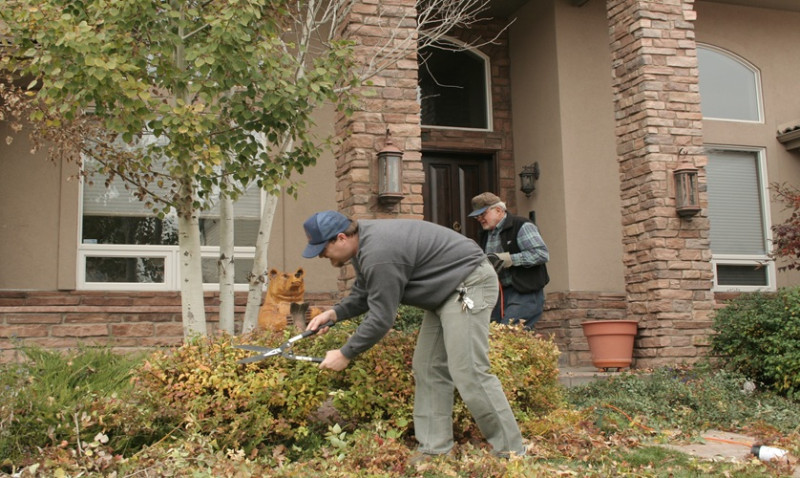
Your landscaping business probably doesn't feel like a target. You're focused on seasonal work, client quotes, and keeping your team organised. But here's the uncomfortable truth: small businesses get attacked more often than large ones. Cybercriminals reckon small firms have weaker defences and fewer resources to fight back. If you've got customer details, payment information, or staff records on your computer or phone, you're worth attacking.
According to the Federation of Small Businesses, one in three small firms experienced a cyberattack in the past year. The average cost to a business when something goes wrong runs between £5,000 and £10,000. For a landscaping operation with tight margins, that's a serious blow.
Start With the Basics
You don't need fancy security software to begin protecting yourself. Some of the most effective defences cost nothing and take minutes to set up.
Use Passwords That Actually Work
Stop using your dog's name or your birth year. A strong password has at least 12 characters and mixes uppercase, lowercase, numbers, and symbols. Better yet, use a password manager like Bitwarden or 1Password. These tools generate complicated passwords and remember them for you. You only have to remember one master password.
Change passwords for important accounts every three months. This includes your email, accounting software, and anything connected to customer payments.
Enable Two-Factor Authentication
Two-factor authentication means you need two things to log in: your password and something else, usually a code sent to your phone. Yes, it takes an extra ten seconds. It also stops someone from accessing your account even if they've stolen your password.
Turn this on for your email account first. Everything else flows from email. If someone gets into your email, they can reset passwords for every other account you own.
Keep Your Software Updated
Windows, Mac, iPhone, Android. Whatever you use, updates matter. Software companies release patches to fix security holes discovered in previous versions. Criminals know about these holes and actively exploit them.
Don't put updates off. Set your devices to update automatically. Yes, you might lose a few minutes of work when your computer restarts. That's infinitely better than losing your entire client database.
Same applies to apps and browser extensions. Out-of-date software is infected software.
Secure Your WiFi
If you run your business from home or a site office, your WiFi network needs protection. Change the default router password immediately. Use WPA3 encryption if your router supports it. WPA2 will do if it doesn't.
Create a guest network for visitors. Keep your main business network separate. This way, if someone's laptop on the guest network gets infected, it won't touch your files.
Be Suspicious of Emails
Phishing emails look legitimate but aren't. They might pretend to be from your bank, a supplier, or a customer service team. They ask you to click a link or open an attachment.
Watch for obvious red flags. Check if the sender's email address looks slightly off. Real banks won't ask you to confirm your password by email. Legitimate organisations use proper domain names, not generic Gmail accounts.
If something feels odd, don't click. Ring the organisation directly using a phone number you know is correct. Don't use contact details from the suspicious email.
Train your staff to spot these attempts too. A landscaping firm with five employees has five potential entry points for attackers. If everyone knows the warning signs, you're better protected.
Back Up Your Files
Ransomware is software that locks your files and demands money to unlock them. It's a growing problem across all industries. If you've got good backups, you can refuse to pay and simply restore from an earlier version.
The rule is simple. Keep three copies of important files. One on your main computer, one on an external hard drive, and one in cloud storage. Store the external drive somewhere separate from your office, in case of theft or fire.
Use services like Google Drive, OneDrive, or Dropbox. They're cheap and automatic. Better still, consider proper business cloud backup from providers like Acronis or Backblaze.
Organise Your Accounts and Access
If you've got staff, only give them access to what they actually need. Your apprentice doesn't need to see financial records. Your office manager might not need every project file.
Assign different login credentials to each person. This way, you know who made changes to files and when. It also prevents someone's accidental click from affecting everything.
When someone leaves, change passwords immediately. This includes email accounts, cloud storage, and any software subscriptions.
Get Insurance
Cyber insurance won't stop an attack, but it covers costs if one happens. It typically pays for professional help, ransom recovery, notification costs, and business interruption. Policies start at around £300 a year for small businesses.
Check with your current business insurance provider first. Some already offer cyber cover or can add it cheaply. If not, specialist providers like Beachley or Simply Docs offer policies designed for small UK firms.
Make This Real
Pick one thing from this list and do it this week. Enable two-factor authentication on your email. That's it. Next week, set up a password manager. Then tackle backups.
Small actions compound. In a month, you'll have transformed your security posture without spending much money or time. For a landscaping business owner juggling quotes, invoices, and scheduling, that's realistic. And it's enough to make you a harder target than your competitors.

Trending articles
- Planning a Garden Landscaping Project ... May 2026
-
 Soft vs Hard Landscaping in the UK: A ...
Apr 2026
Soft vs Hard Landscaping in the UK: A ...
Apr 2026
-
 Garden Design Ideas for UK Gardens ...
Mar 2026
Garden Design Ideas for UK Gardens ...
Mar 2026
-
 Patio Installation in the UK: ...
Mar 2026
Patio Installation in the UK: ...
Mar 2026
-
 Garden Landscaping Costs in the UK: A ...
Mar 2026
Garden Landscaping Costs in the UK: A ...
Mar 2026
-
 Why Landscapers and Gardeners Should ...
Mar 2026
Why Landscapers and Gardeners Should ...
Mar 2026